

UnionPay QR / Weixin Pay - Pay In Your Way
A. Where to use?
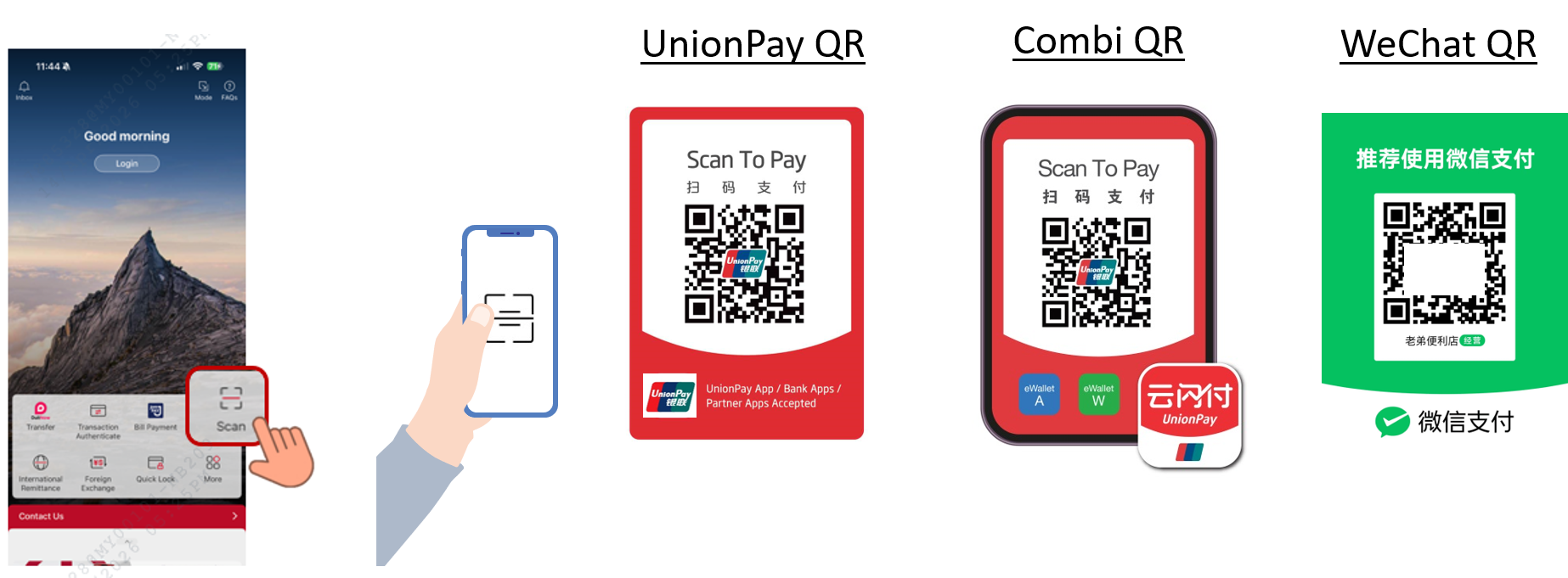
When in the Chinese Mainland, you can use your Mobile Banking app “Scan” feature to scan merchant’s UnionPay QR, Combi QR or Weixin Pay to make payment.
B. What is UnionPay QR / Weixin Pay all about?
UnionPay QR Code Payment / Weixin Pay
1. Scan UnionPay QR / Weixin Pay
When you see any of the following acceptance, you can initiate “Scan” feature and scan merchants’ UnionPay QR code/ UnionPay Combi QR code / Weixin Pay to make payment.


** Combi QR consist UnionPay (Yunshanfu), Weixin Pay, Alipay or others partner in one QR code.
2. Display UnionPay QR
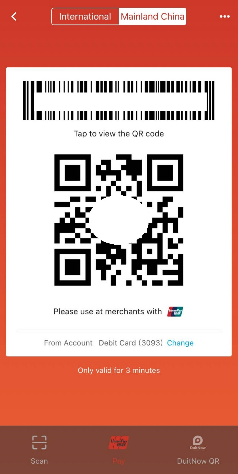
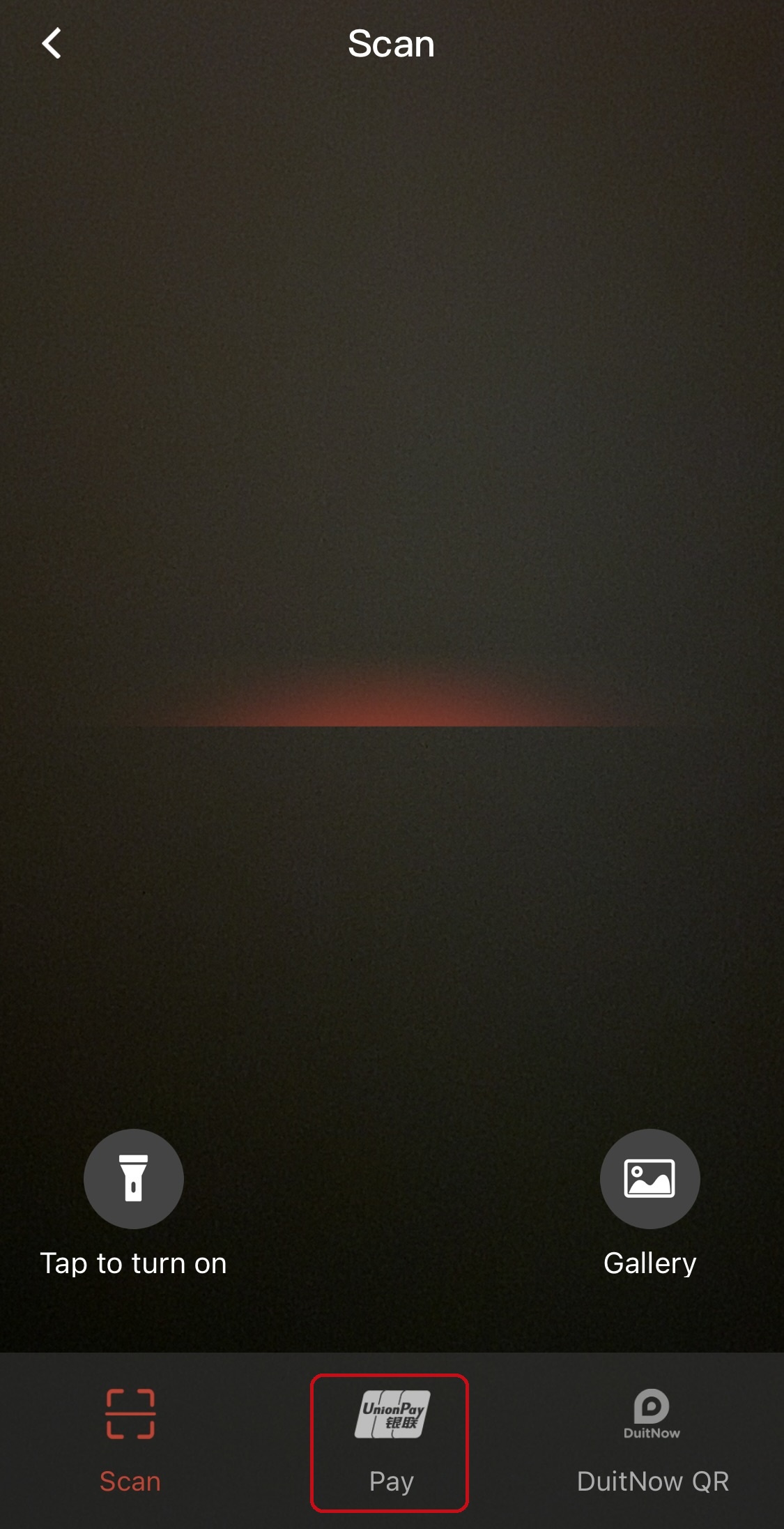
Other than scan merchants’ QR code to make payment, you can also display the QR code for merchants to scan. Initiate “Scan” feature, click on “Pay” at the bottom of the screen, select “Mainland China” and show the bar code/QR code displayed from your app to merchants for them to scan.
3. Transaction Limit
UnionPay QR & UnionPay Combi QR
| Transaction Type | Transaction Currency | Per Transaction Limit | Total Daily Limit |
|---|---|---|---|
| Scan QR Daily Limit | MYR | RM5,000 | RM10,000 |
| CNY | CNY10,000 | CNY20,000 | |
| Pay QR Daily Limit | MYR | RM5,000 | RM10,000 |
| CNY | CNY10,000 | CNY20,000 |
Weixin Pay
| Merchant Type | Per Transaction | Daily | Monthly | Yearly |
|---|---|---|---|---|
| Individual owned store/business | CNY500 | CNY2,000 | NA | CNY10,000 |
| SME (Small Medium Enterprise)/chain stores | CNY10,000 | CNY10,000 | CNY50,000 | USD50,000 |
Note: The transaction limit is subject to the limit setting of your BOCM UnionPay Debit Card/UnionPay QR and the transaction limit set by UnionPay International which applies to the type of merchants.
C. How does this work?
1. Download and register for the Bank of China Mobile Banking app
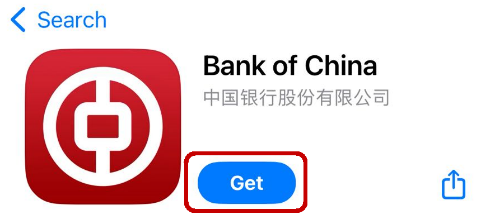
Note: Ensure the app version you are using is the latest version available in app store.
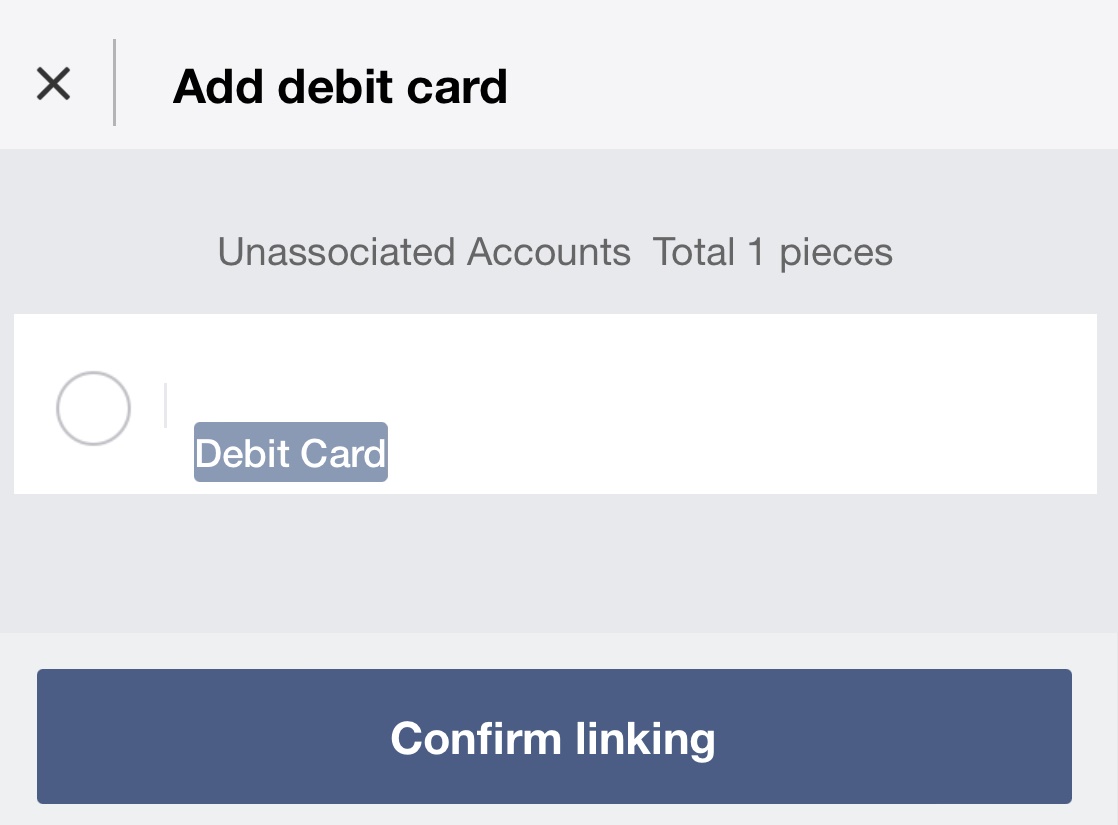
2. Link your UnionPay Debit Card via “Debit Card Management”
3. Enable “Overseas Use” setting
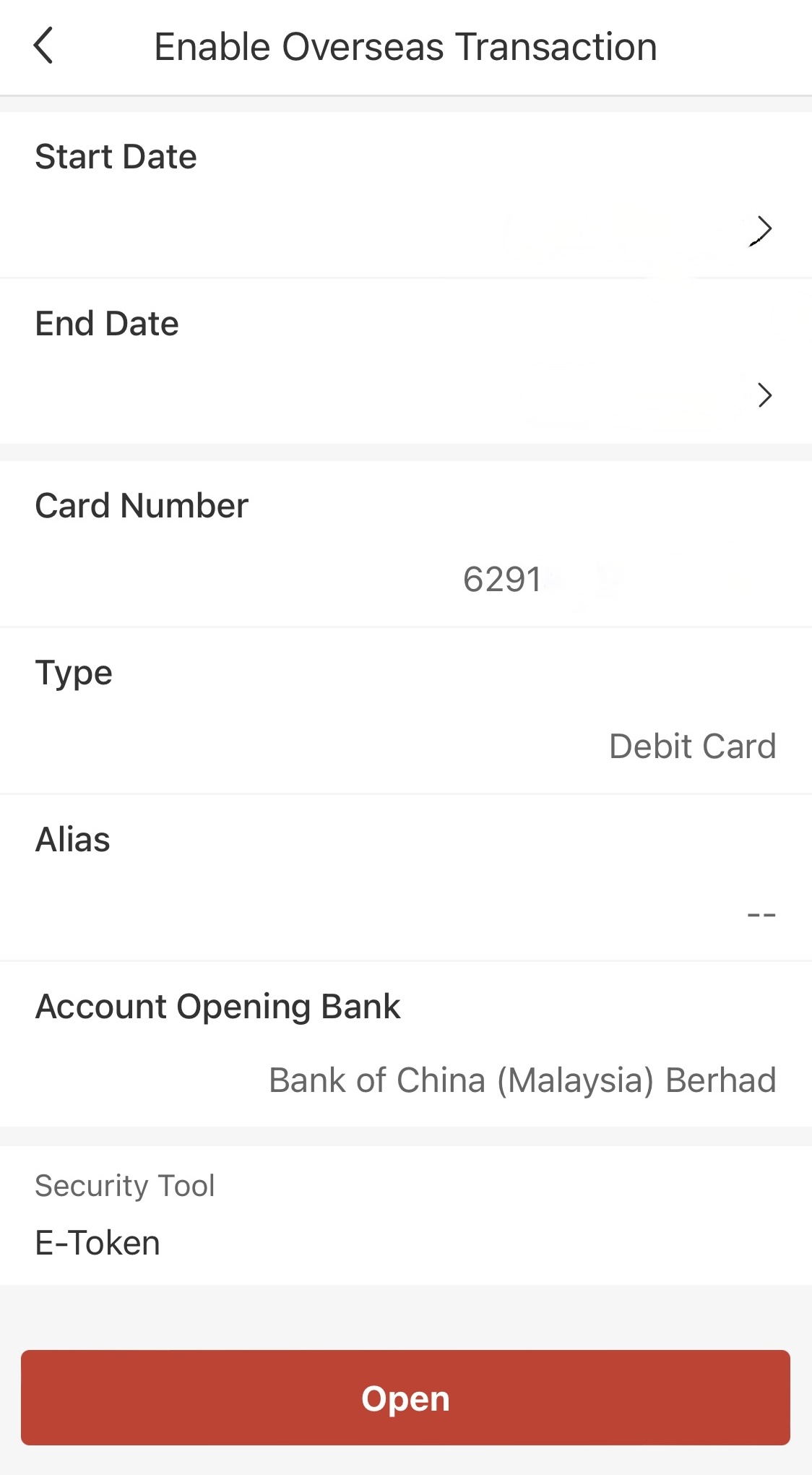
4. Click “Pay” logo, follow the guide to complete the activation
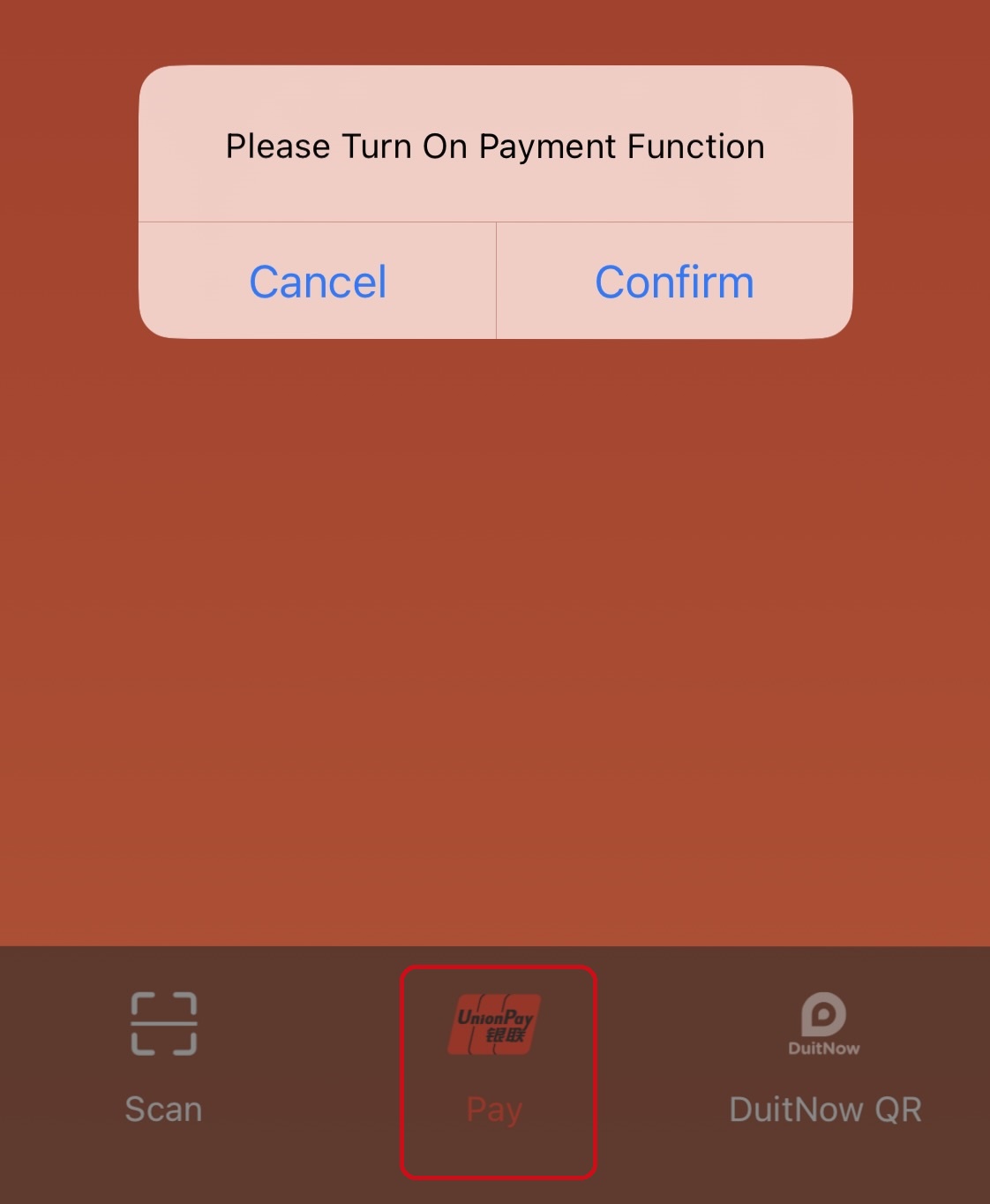
5. Enjoy UnionPay QR Code Payment
- Initiate “Scan”, scan merchants’ QR codes to complete the payment
- Initiate “Scan” and click “Pay” icon, select “Mainland China” and display UnionPay barcode/QR code. Merchant scans the barcode/QR code to complete the payment.
D. Explore the convenience of UnionPay QR / Weixin Pay now!
New to Bank of China Malaysia? All you need to do is walk into any of our branches to apply for both the UnionPay Debit Card and Mobile Banking app, download the app on your phone, and link it with your card to start spending.
Are you an existing UnionPay Debit Card and Mobile Banking app user? Look out for the “Scan” icon on the app, perform the set up steps and start spending now!
Click on the following for more details:
Protected by PIDM at up to RM 250,000 for each depositor.
